
HarmonyOS HAP Sideloading Guide
This page summarizes the general process for installing HAP packages on HarmonyOS devices. Menu names may vary across models and system versions, but the overall workflow is similar.
Prerequisites
- Phira HAP package:
- GitHub Releases
- Dmocken's Phira download site (third-party mirror)
- A HarmonyOS device (this guide is mainly intended for non-Harmony NEXT devices)
- Auto Installer (Xiaobai Debugging Assistant)
Auto Installer (Xiaobai Debugging Assistant)
Download two packages from the GitHub Releases page:
- One of them should be a
.hapor.apppackage (used for future in-app updates) - The other can be a package for any platform
- Make sure both downloads are the same version, otherwise they may not work together
You may also be able to install the APK version of Auto Installer through Zhuoyitong, but this has not been tested. If you want to experiment, see this release link.
TIP
Windows: On first launch, it will prompt you to install Java. Just install it and continue.
macOS: On first launch, run xattr -d com.apple.quarantine /Applications/小白调试助手.app in Terminal, and make sure Java is installed.
Linux: Do not run as root. zenity is required: zenity.
Enable Wireless Debugging
- Open Settings -> Device name, then go to About phone.
- Tap Software version 5 times quickly to enable Developer mode.
- Go back to Settings -> System -> Developer options.
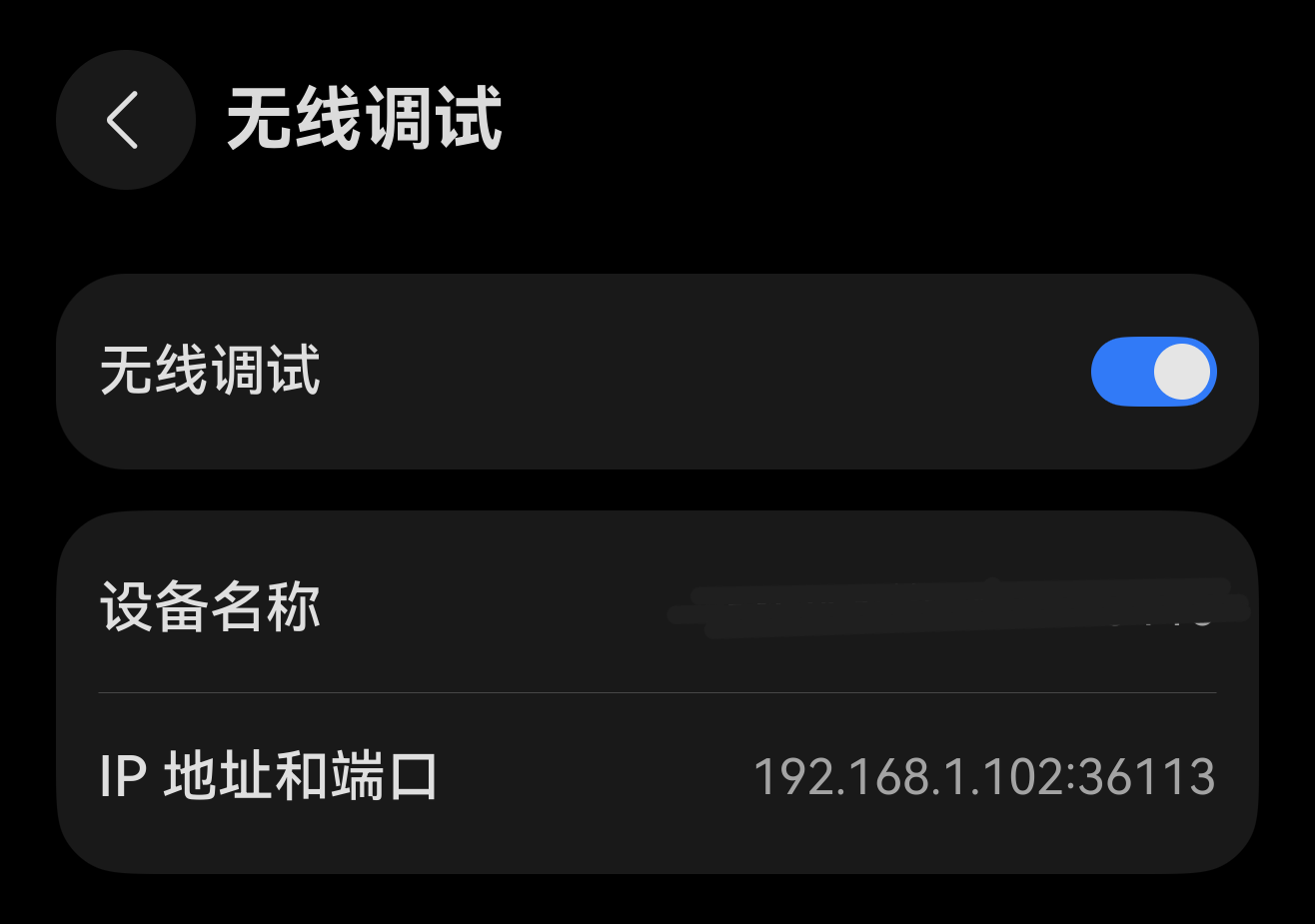
- Find and enable Wireless debugging.
- In the subpage, note the device IP address and port.
Developer Account
Sideloading requires signing with a developer account. Without real-name verification, sideloaded apps are valid for only 14 days; after verification, validity is extended to 180 days.
- Open Huawei Developer - Developer Information, then register or sign in with your Huawei account.
- Fill in your profile and complete real-name verification.
Sideload Phira
Sign in
Click Sign in, log in to your Huawei account in the browser, click Allow, and wait until you see "Login successful! Please return!".
Connect device
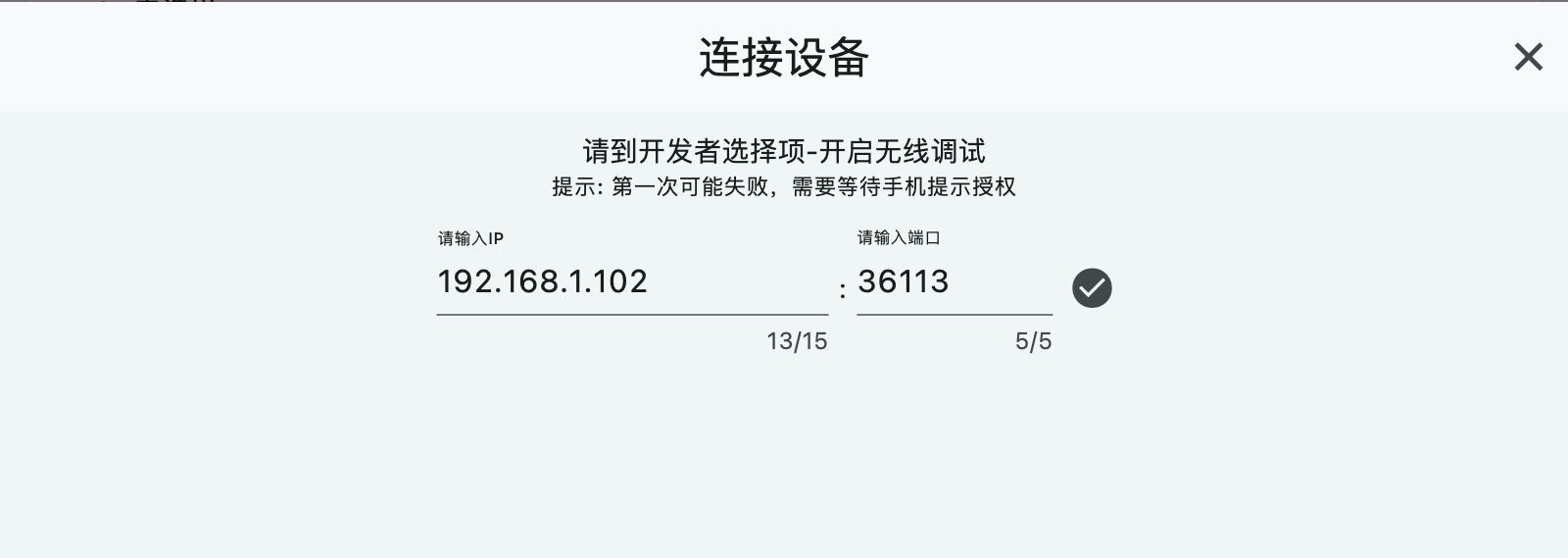
Click Connect device, enter the IP and port you obtained above, then connect.
Select the
.hapor.appfileClick Select, choose the downloaded Phira HAP package, and confirm the package name/device compatibility shown in the tool.
Start sideloading
Click Start debugging and wait until all steps complete successfully. If an error appears, fix it based on the error message and retry Start debugging.
Easy Updates
Use the same method to sideload Auto Installer's own .hap or .app package. After that, future app updates can send the new HAP package directly to Auto Installer. You only need to sign in to your Huawei account and reconnect the device to sideload updates quickly.
Others
- Check debugging certificate validity: AppGallery Connect